Truck Packer vs a Spreadsheet and Floor Tape: The Same Load Plan in 3D for $28 a Month vs $0
A spreadsheet and a taped-out 53-foot box cost $0 plus labor. Truck Packer Pro is $28 a month ($21 billed annually) and does the same job in 3D for cartons, pallets or cases: AutoPack, weight totals, XLSX import, and a plan on every phone with no account or install.

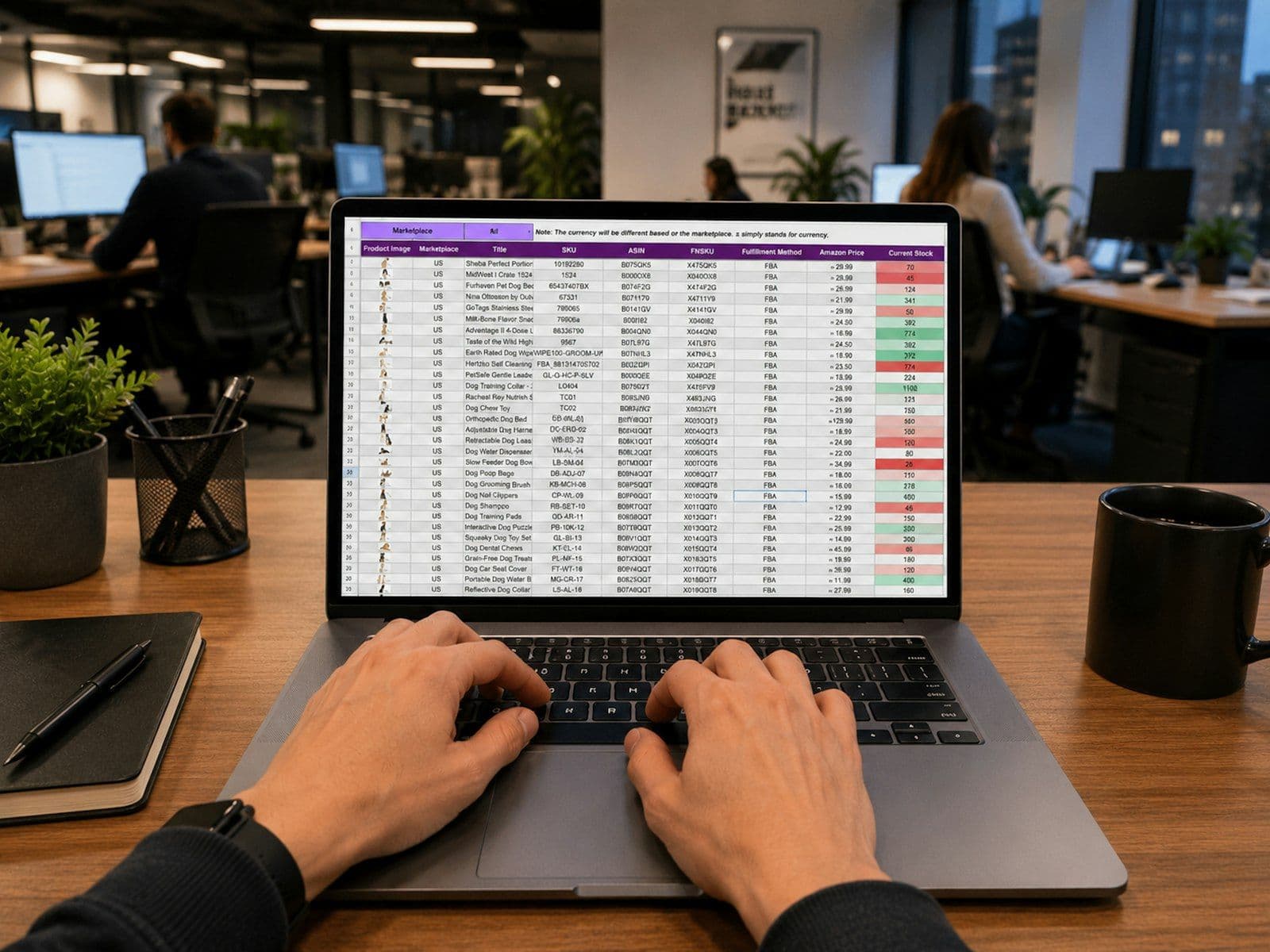
A spreadsheet and a roll of floor tape cost you $0 plus labor, and Truck Packer Pro costs $28 a month. If you load the same truck the same way every day, the free option is honestly fine. Once the load keeps changing, the labor gets more expensive than the software.
I've built load plans both ways. I'm a FOH engineer, and before Truck Packer existed I planned trailer packs by hand. Most teams I talk to, from touring crews to warehouse and freight shops, still run a sheet, someone's memory and a taped box on the floor. I built Truck Packer to be the easiest load planner to use for any boxed load, whether that's cartons, crates, pallets or road cases. This post covers where the sheet holds up and where it starts costing you time.
A spreadsheet costs $0, Truck Packer Pro costs $28 a month
Source: Google Sheets, Truck Packer pricing
Google says anyone with a Google account can create in Sheets, so a load list costs nothing to start. Truck Packer Pro is $28 a month, and annual billing saves 25%, which works out to $21 a month or $252 a year (Truck Packer math). There's a 7-day free trial with no credit card, it runs in any browser with nothing to install, and you can pause the subscription in a slow month. Business is quoted, and it adds multi-user orgs, multi-truck packing, WMS integrations and API access. The real cost of the spreadsheet isn't the software, it's the hours someone spends moving boxes around a taped outline or rebuilding a plan after the list changes.
A 53-foot trailer gives you about 437 square feet of floor to tape out
Source: Hale Trailer, Dry Van Dimensions and Capacities; floor math is Truck Packer load plan math
Hale Trailer lists a 53-foot dry van at about 52'6" (630 inches) long and about 100 inches wide inside. Multiply that out and you get 63,000 square inches, or about 437 square feet. Taping that box on a warehouse or rehearsal floor takes roughly 122 feet of tape around the perimeter (Truck Packer math). Cargo-Planner's own guide calls the tape-out the established way to test a pack and says it costs nothing, and they're right. Pushing real freight around inside real lines catches things a screen can miss, but you need the floor, the load and the people in the same room at the same time.
3,800 to 4,000 cubic feet is a total, not a load plan
Source: Hale Trailer, Dry Van Dimensions and Capacities
A spreadsheet is great at sums. You can total your cube against Hale's 3,800 to 4,000 cubic foot figure and know if you're close. What it can't tell you is whether the rows actually work, like whether a 24-inch-deep row repeats 26 times down 630 inches of floor (Truck Packer math) once odd sizes show up. Truck Packer puts every carton, pallet or case in 3D, AutoPack places them for you, and it flags anything that collides. To be fair about it, AutoPack is a space solver and doesn't know stack limits, bottom-only items or unload order yet, so you'll still drag a few things into place by hand.
Both give you a weight total, and neither does axle weights yet
Source: Truck Packer pricing
A good sheet sums weights, and plenty of loaders balance a truck in their head off that number. Truck Packer gives you weight per container plus weight visualization, so you can see where the heavy stuff landed in the box. What we don't have shipped is axle and kingpin weights. It's in progress, and until it lands, a dedicated freight tool is stronger there than both of us.
A printed sheet reaches one dock, a shared link reaches every phone
Source: Truck Packer changelog, v0.10.2
The sheet usually ends up printed and taped to the truck door, which works fine until the plan changes after it's printed. In Truck Packer, a shared pack opens in Crew View on any phone with no account and no training, and since v0.10.2 the share button gives you a QR code per truck. The loadout checklist follows the pack, so whoever's loading can check items off as they go in. A printed sheet still wins when there's no signal at the dock, which is why PDF export is in Pro too.
Your existing sheet imports as XLSX or CSV
Source: Truck Packer changelog, v0.9
Switching doesn't mean retyping. The manifest importer takes CSV or XLSX and lets you remap columns, so the load list you already keep comes in as-is. The container library has about 83 presets, including trailers, rental trucks, ISO shipping containers, air ULDs, rail cars and pallets. If you run a production shop, there's also a manufacturer case library, a Flex pull-sheet import and a Stagera integration. The hardest part of any load plan is getting real dimensions for every item, and that's true no matter which tool you use.
Truck Packer does the sheet's job in 3D for $21 to $28 a month
Source: Truck Packer load plan math
If it's one truck, a repeat load, standard sizes and someone who's done it a hundred times, stay on the sheet and the tape. You'll save $252 a year and lose almost nothing. Once you're deciding how many trucks or containers to book, sending several loads a week out of a warehouse, handing the plan to people who've never seen it, or combining freight from several sources into one plan, Truck Packer does the same job faster and puts it on every phone. The one thing a dedicated freight tool still has over us is axle weights, and that's coming. If you're not sure, run your next load both ways during the free trial and see which one your team actually opens.
Got a pack list sitting in a spreadsheet? Log in to Truck Packer and pack it.

