V9 Overview
Check out the newest features we just added to Truck Packer.

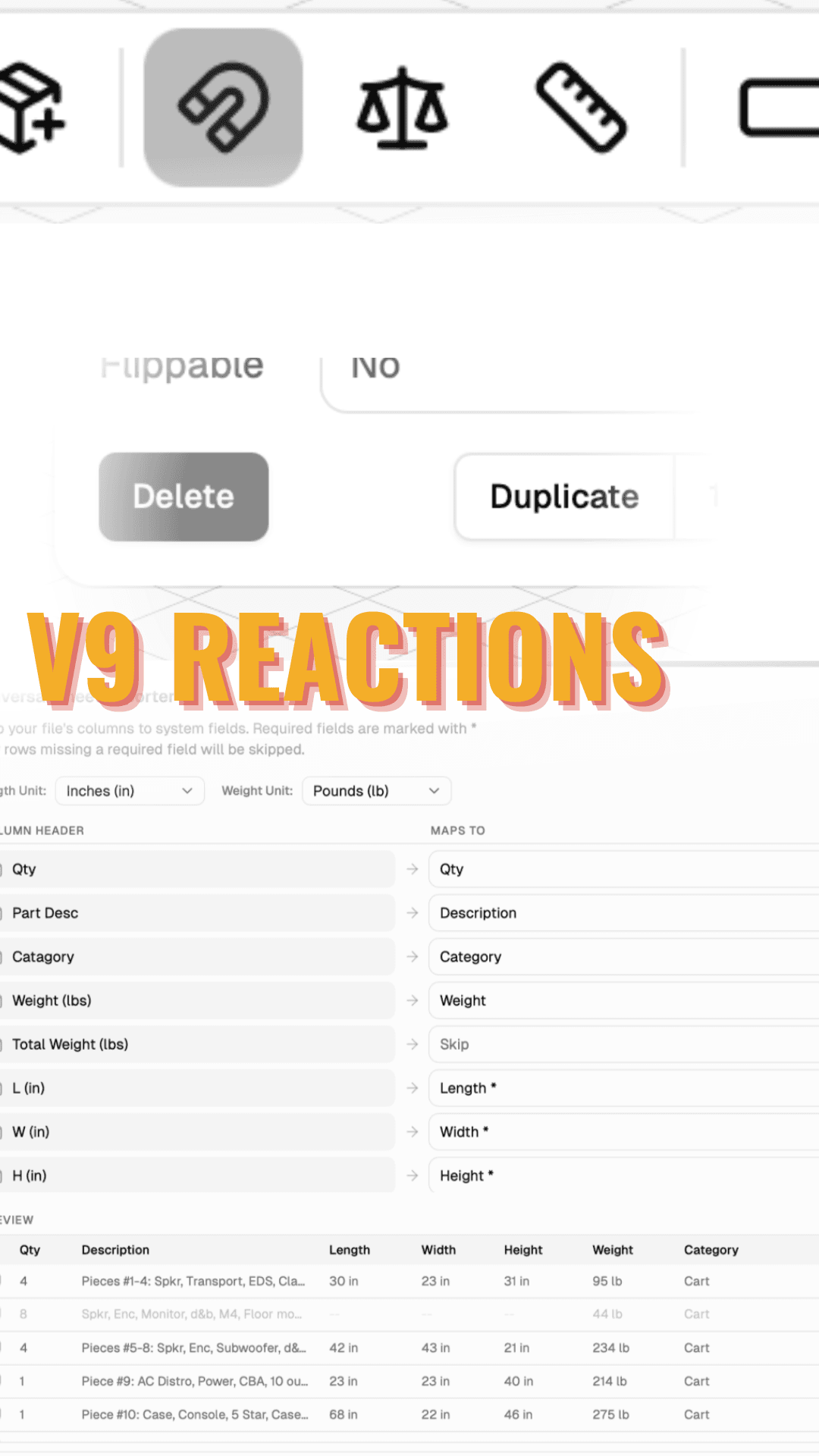
Pack Folders, Universal Importer & More
We've been busy. Here's what's new in TruckPacker.
Pack Folders
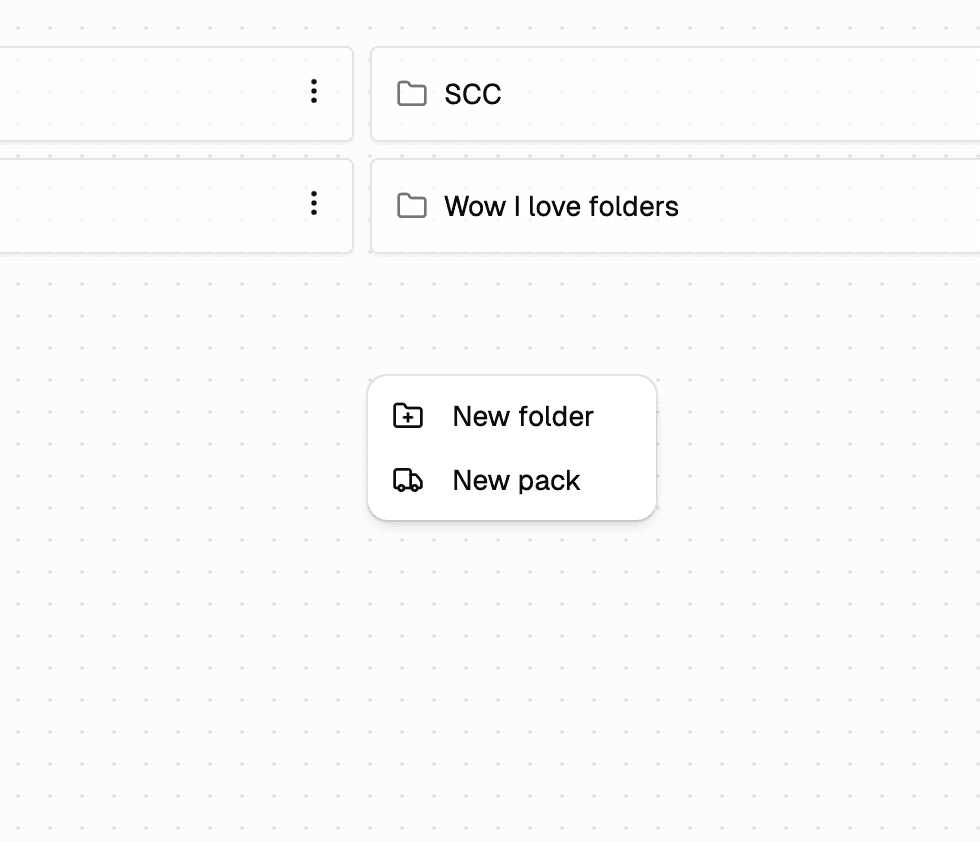
Your pack list was getting long: we noticed. You can now organize packs into folders directly from the pack grid. Right-click, create a folder, drag your packs in. Simple as that. Tour legs, venues, client projects — organize however makes sense for your workflow.
Universal Pull Sheet Importer (Business Tier)
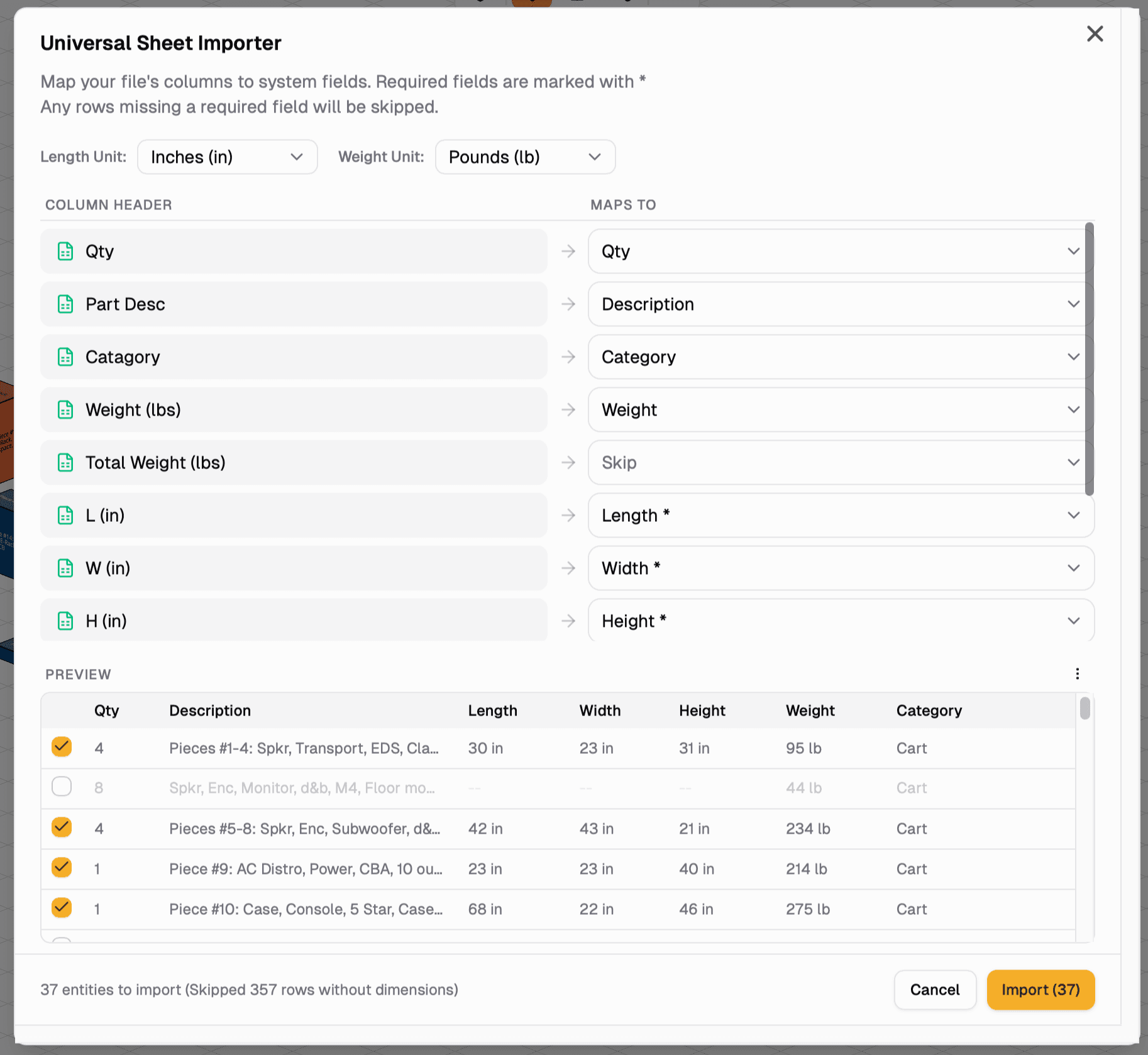
This one's big. Go to File → Import Entities and drop in any pull sheet — CSV or XLSX, whatever format your shop uses. TruckPacker will scan the file, identify your columns, and import everything into the packing space automatically. If the columns don't map perfectly, you can remap them on the fly. No more rebuilding your inventory by hand.
Duplicate Entities from the Inspector
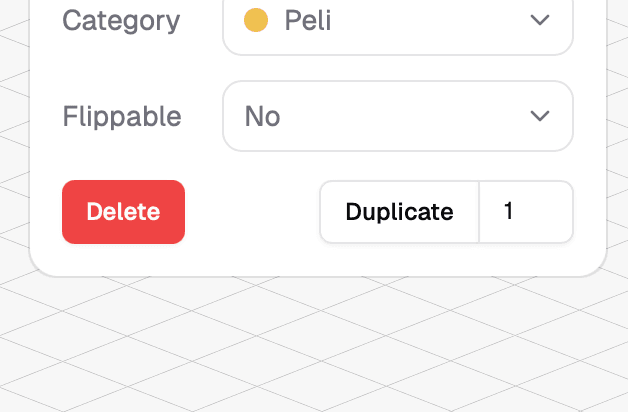
Select a case, hit the new duplicate button in the inspector, and multiply away. Quick and easy when you're building out repetitive loads.
Case Preset Descriptions
You can now add a description field to your case inventory presets — helpful for noting gear specifics, handling instructions, or anything your crew needs to know.
New Keyboard Shortcuts
Two new ways to work faster: hold Option/Alt to temporarily toggle snapping on or off without changing your settings, or press S to toggle snapping outright.
Bug Fixes & Improvements
PDF exports and the crew view now display truck dimensions, so your crew always knows what they're loading into. We also optimized the crew view case list to handle large inventories without slowing down, and fixed a flicker that could occur when the 3D scene first loaded.
That's it for this round. More coming soon.
Everything above lives in the app. Log in to Truck Packer and start packing.

