Out of the Loadmaster's Head: How Shared 3D Pack Plans Are Reshaping Tour Truck Loading
Every touring production has a loadmaster whose pack lives behind their eyes. Here's how shared 3D pack plans, zone-based loading, and mobile views are getting that knowledge out of one person's head and onto every loader's phone.

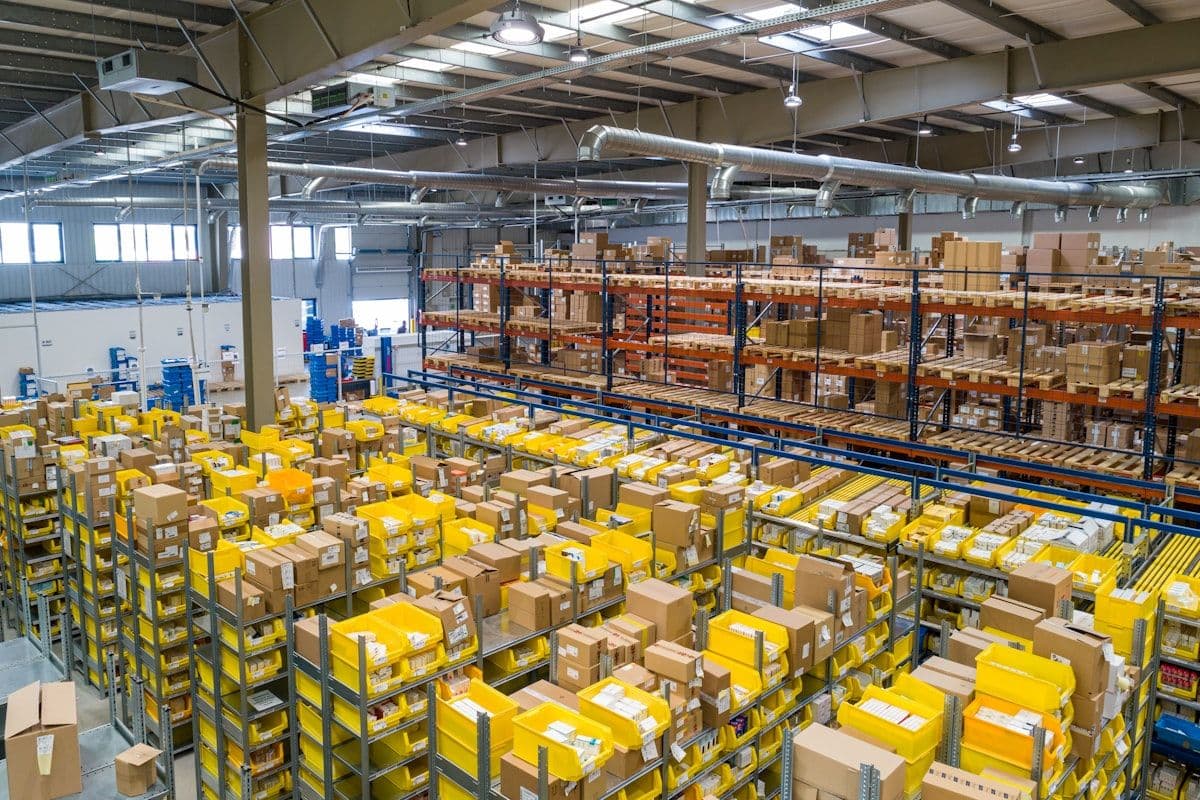
Every touring production has at least one of them — that loadmaster, lead carpenter, or head rigger who has been packing the same trucks for so long that the whole pack lives somewhere behind their eyes. You can ask them where any single road case goes and they'll tell you which truck, which side, which row, and probably which neighbor it's leaning against. They can rebuild the diagram on a napkin between drags of coffee in the loading dock.
And as long as that person is on the call, everything works.
The trouble starts the day they're not. A wedding. A sub-gig. A holiday off. A scheduling conflict that put them on the simultaneous corporate event. Suddenly the steward crew arrives at the warehouse and the institutional knowledge is on a different time zone. Trucks get repacked three times. Cases come off in the wrong order at load-in. A push that should have taken 45 minutes spills into two hours because no one is sure where the genie lift case fits, and now the over-the-road driver is grumbling about his clock.
This is the single-point-of-failure problem that has quietly defined live event logistics for as long as there have been semis backed up to a loading dock. It is not a software problem in the traditional sense. It is a knowledge-transfer problem. And in 2026, the touring world is finally starting to fix it the same way other industries did decades ago: by getting the plan out of one person's head and into something everyone can actually look at.
Why the Whiteboard and the Spreadsheet Aren't Enough
Most production offices have tried to externalize the pack plan at some point. The whiteboard sketch over the trailer outline. The Excel grid where each cell represents a 4×4 chunk of floor. The Visio diagram that someone made for the first leg and then nobody updated. The classic PDF "pack drawing" that gets emailed around as a static reference.
These work — kind of. They are better than nothing. But they all break in the same predictable ways:
- They don't represent height, weight, or stacking constraints. A flat 2D grid says nothing about whether you can stack two heavy server racks on top of a fragile dimmer rack.
- They go stale instantly. The moment a road case changes dimensions, a piece of sub-rented gear gets added, or a new vendor truck enters the rotation, the diagram is wrong.
- They're not portable to the loaders. The crew on the floor needs a phone-friendly view, not a 24×36 PDF taped to the wall of the production office.
- They don't survive turnover. When someone leaves and the institutional layout walks out with them, you're back to relearning the pack from first principles.
Production teams have been working around these limitations for years because the alternative — pure verbal handoff — is worse. But in 2026, with the touring market only getting tighter, the workarounds are starting to cost real money. According to ACT Research's 2026 trucking industry forecast, the freight environment remains mixed and rate volatility is still elevated, which means every wasted hour at a loading dock is more expensive than it used to be. Industry reports on trailer orders entering 2026 in a mixed market reinforce the same point: fleet capacity isn't getting suddenly easier, so the productions that pack more efficiently win.
The Shared 3D Pack Plan, Plainly Described
A shared 3D pack plan is a single source of truth for what's on the truck. It lives on the web, opens on any device, and represents your trailer the way it actually is — 53 feet long, with real walls, a real floor, real height, and real cases occupying real volume.
The plan includes:
- Every case modeled to its actual outside dimensions, with weight and stack-rating.
- Zones, decks, or pre-rig sections you can carve up the trailer into.
- Load order — what comes off first, what comes off last, what's against the nose, what's by the door.
- A link that you can send to anyone — drivers, riggers, crew chiefs, the lighting vendor's warehouse manager, the carpenter sub — and they see the same thing you see.
The "shared link" part sounds small. It is not. The moment one specific URL becomes the pack plan, three things change at once. The pack survives turnover, because the knowledge is in a place that doesn't quit. The pack can be reviewed asynchronously, because the head carpenter doesn't have to be on the same Zoom as the production manager to comment on it. And the pack can be diffed across legs — you can look at how you packed the spring leg of the same tour and see exactly what changed when you added the B-stage.
This is the part of the Truck Packer toolset that production teams seem to underuse. The 3D visual planner gets the attention because it's the flashy piece — drag a road case, see it snap into a position that respects weight and height. But the share link is where the operational change happens. It turns the pack plan from a personal artifact into a team artifact.
Zone-Based Packing: A Practical Mental Model
The trick that separates a clean truck from a messy one is rarely about which cases fit. It is about which cases come off in which order. Touring crews already know this — that is why the load-in sequence is rehearsed, why pre-rig truss gets packed against the nose so the riggers can build their motors first while the rest of the truck is still being emptied, and why the dimmer beach lives where the distro can reach it.
A useful way to use a 3D planner is to stop trying to optimize for raw cubic feet and start thinking in zones:
- Push zone — everything that gets off the truck in the first 15 minutes. Pre-rig truss, motors, rolling deck cases, ground-supported pieces. This goes by the door.
- Build zone — gear that supports the build but doesn't lead it. Distro, dimmer beach, audio amp racks, control world. Middle of the truck.
- Late zone — cases that come off after the system is up. Spare cables, video processing, merch, anything that doesn't have a load-in cue.
- Cold zone — gear that doesn't even come off at this venue. Travel cases for tomorrow's day off, broken cases tagged for the next warehouse stop, the carpenter's tool chest.
Once your truck has zones, the conversation with a sub crew is no longer "this is where the genie case goes" — it is "this is the push zone, here are the four cases that have to be in it." The plan teaches itself.
Multiple Trucks, Multiple Vendors, One Plan
The other place a shared plan earns its keep is in multi-vendor productions, which in 2026 is basically every show above a club tour. Lighting is from Clair or Solotech or PRG. Video is from a different vendor. Audio sometimes from a third. Backline from a fourth. Each of those vendors arrives in their own truck — sometimes their own small fleet — and the production wants the entire system to come together at the dock in the right order.
When the pack plan is one shared link, the lighting vendor's warehouse manager and the audio vendor's transport coordinator can look at the same diagram and confirm they're both targeting the same zone of the dock at the same time. Sub-rentals get slotted in against actual case footprints, not against guesses. When a carrier swap happens — a relatively common reality given current capacity dynamics covered in our post on rental software integration — the new driver can be sent the link before they back into the loading dock.
It also means that when something goes wrong (because something always does), there is a permanent record of how the truck was supposed to look. That alone resolves more loading-dock arguments than anything else in our experience.
The Mobile Reality on the Loading Dock
A pack plan that lives on a laptop in the production office is half a tool. The other half is whether the crew on the floor can pull it up while they're actually loading. This is the unglamorous part of the design that matters most: a pack plan needs to look right on the four-and-a-half-inch screen the loader is holding, not just on the 27-inch monitor the planner built it on.
Touring crews already use their phones for everything else — the day sheet from Master Tour, the pull sheet PDF from Flex or Rentman, the WhatsApp thread with the bus driver. The pack plan has to live in the same place. When the loader can pull up the truck on their phone, tap the case they're holding, and see where it lands, the pack plan stops being a document and starts being a tool.
This is also where phone-based LiDAR (which we covered in our recent piece on phone LiDAR replacing the tape measure) starts to compound the value. The future state we are building toward is the one where a new case arrives at the warehouse, gets scanned by a phone in 30 seconds, lands in the inventory with accurate dimensions, and is ready to be dropped into a pack plan the same day. The shared 3D pack plan is the destination for all of that data.
Where to Start If Your Pack Lives in One Person's Head
The honest first step is to externalize whatever you have. Even a rough 3D pack of your most common touring rig — built once, in an afternoon, by the person who already knows the layout — is more durable than nothing. From there:
- Carve the trailer into three to five named zones, and name them in plain English ("Push," "Build," "Late," "Cold").
- Add the case footprints for the gear that lives in each zone. Don't try to be perfect — get 70 percent of the rig packed before you polish anything.
- Share the link with the next person on the call sheet who would need to know. See if they can read it. Watch where they get confused, and fix the labels.
- Iterate. The first version is a draft. The third version is the real plan.
The single most important measure of whether a pack plan is working is whether you can take your loadmaster off the call and still load the truck on time. If you can, the knowledge has actually moved. If you can't, keep refining.
Tour logistics will always have a craft element to it — there is a reason the best loaders are paid well and treated like the senior tradespeople they are. But the smartest of those loaders have figured out that the goal isn't to be irreplaceable. The goal is to make the system replicable, so the craft scales with the tour and the loader gets to take a Sunday off without the wheels coming off.
A shared 3D pack plan is one of the simpler, cheaper ways to do that in 2026 — and the productions that adopt it tend to spend less time arguing in the parking lot at 6 a.m. If you want to see what a shared pack plan looks like in practice, Truck Packer is free to try and supports shareable plans, named zones, mobile views, and multi-truck builds out of the box.
Put it to work: log in to Truck Packer and build your load plan.

